

关于 Google Lens, Papago, DeepL Image Translation
使用 Google Lens 结合 Papago 或 DeepL 翻译图像文本。
平台
网站
浏览 169 , 收录与 2025-11-15 09:16:37
产品介绍
什么是 Google Lens, Papago, DeepL Image Translation ai chrome 扩展程序/插件?
这个过程涉及使用 Google Lens 从图像中提取文本,然后使用 Papago 或 DeepL 翻译这些文本。Google Lens 是一种图像识别技术,可以识别图像中的对象和文本。Papago 和 DeepL 是机器翻译服务,提供多种语言之间的翻译。这种组合使用户能够快速、轻松地翻译嵌入在图像中的文本。
如何使用 Google Lens, Papago, DeepL Image Translation ai chrome 扩展程序/插件?
1. 打开 Google Lens,拍照或上传一张图片。2. Google Lens 会识别图像中的文本。3. 复制提取的文本。4. 将文本粘贴到 Papago 或 DeepL 中。5. 选择源语言和目标语言。6. 翻译文本。
Google Lens, Papago, DeepL Image Translation 的核心功能
图像文本提取与翻译
相关产品
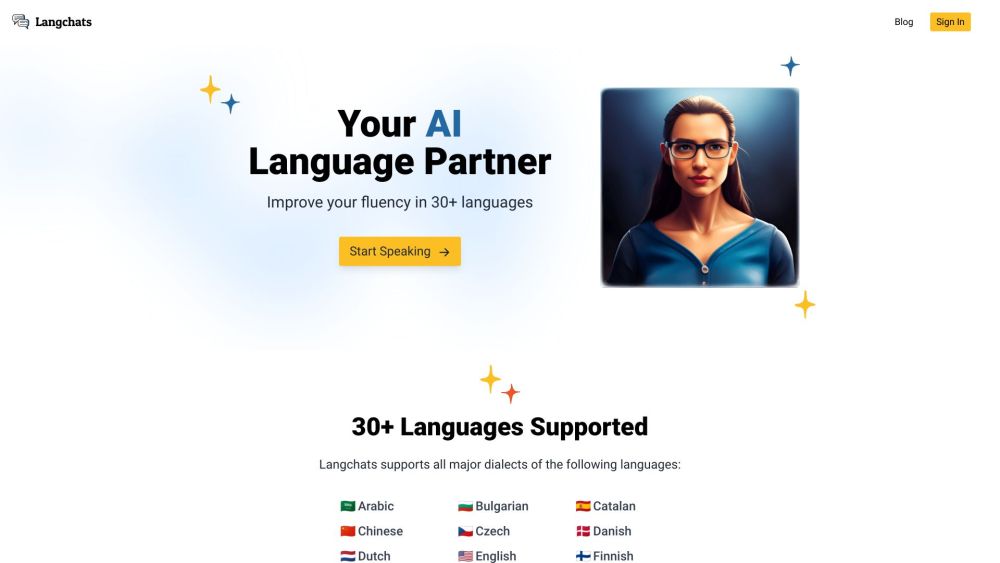
Langchats
Langchats是一个AI语言伙伴,可帮助您在30多种语言中达到会话流利度。
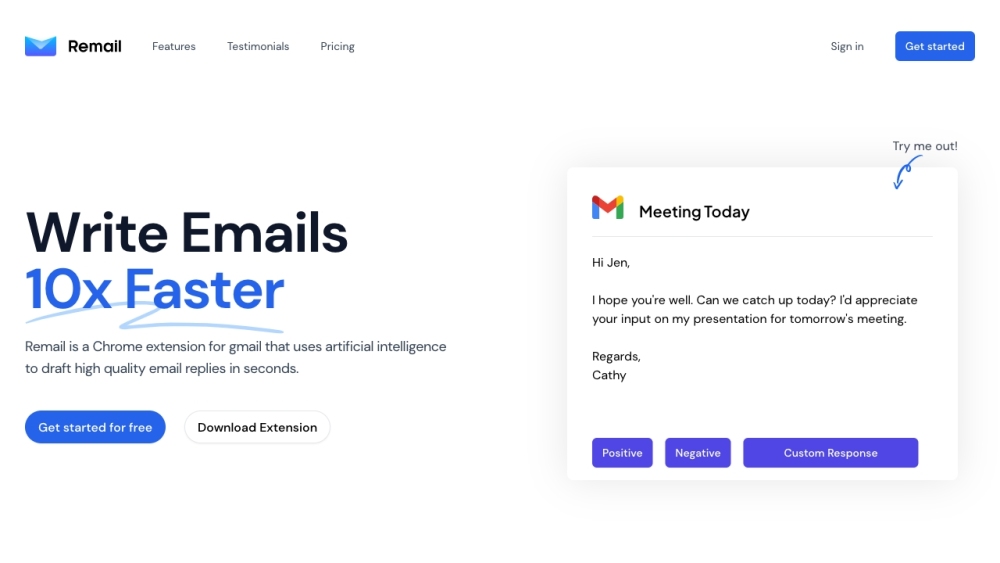
Remail
AI驱动的Gmail扩展,快速草拟高质量电子邮件回复。

ChatGPT Copilot from Yooz
免费的AI助手,用于写作和内容创作。

OpenNovel
AI驱动的网络小说翻译服务,提供高可读性内容。
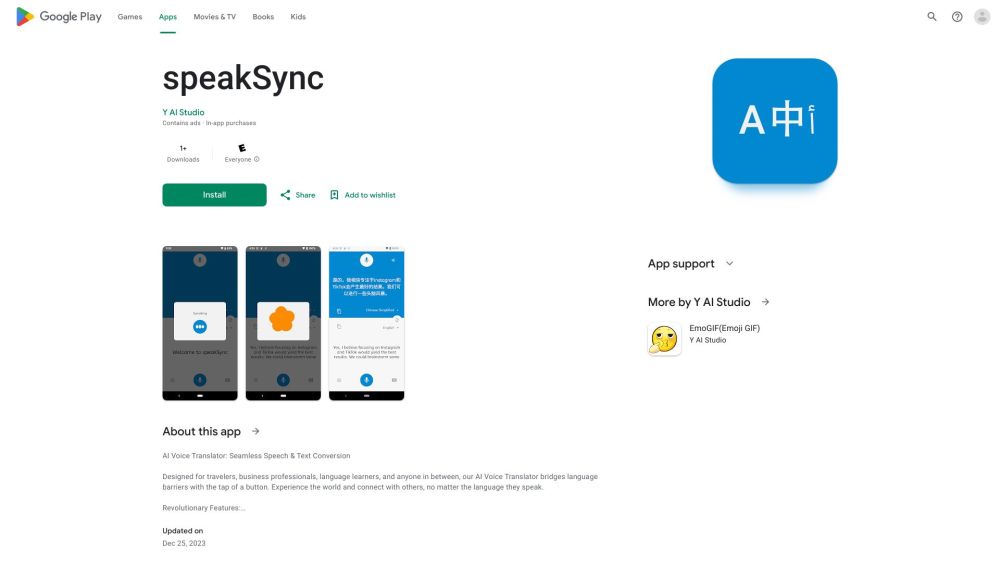
speakSync
基于 AI 的语音翻译应用,实现 70 多种语言的无缝沟通。

Trancy
语言学习助手,提供双语字幕和 AI 驱动的翻译。
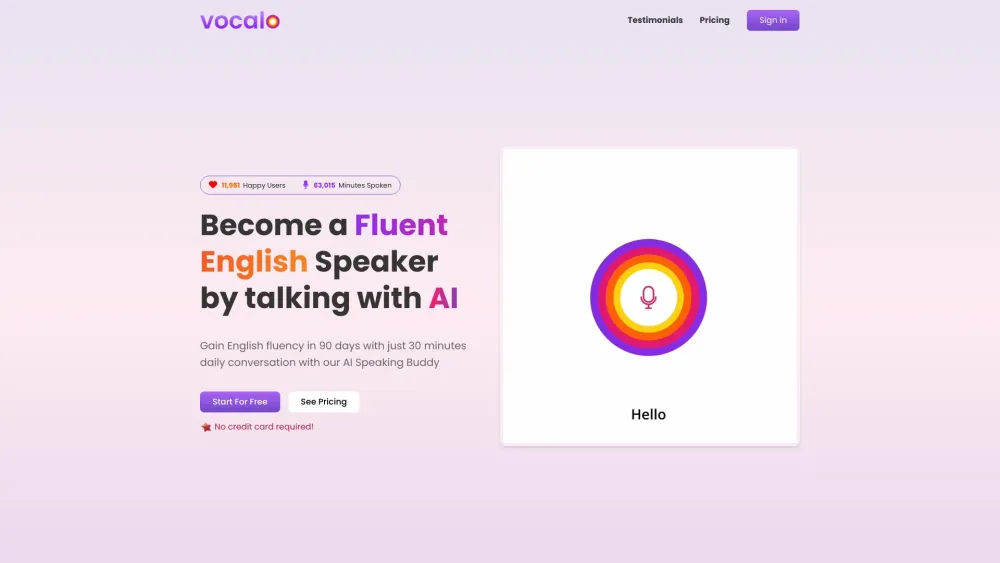
Vocalo.ai
基于人工智能的语言练习平台,旨在提高口语及其他语言技能。

Image Translator
将图像中的文本翻译为30多种语言,使用OCR和机器翻译。
Smart Keys
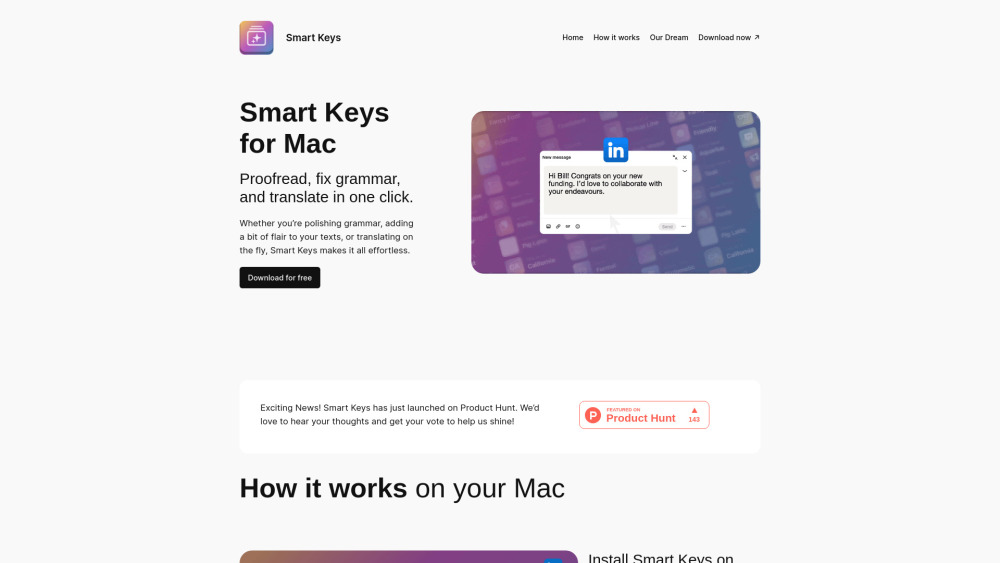
智能键通过语法、翻译和编码的键盘快捷键来增强写作。

Sequence
AI驱动的全球团队多语言视频沟通平台。
Whisper
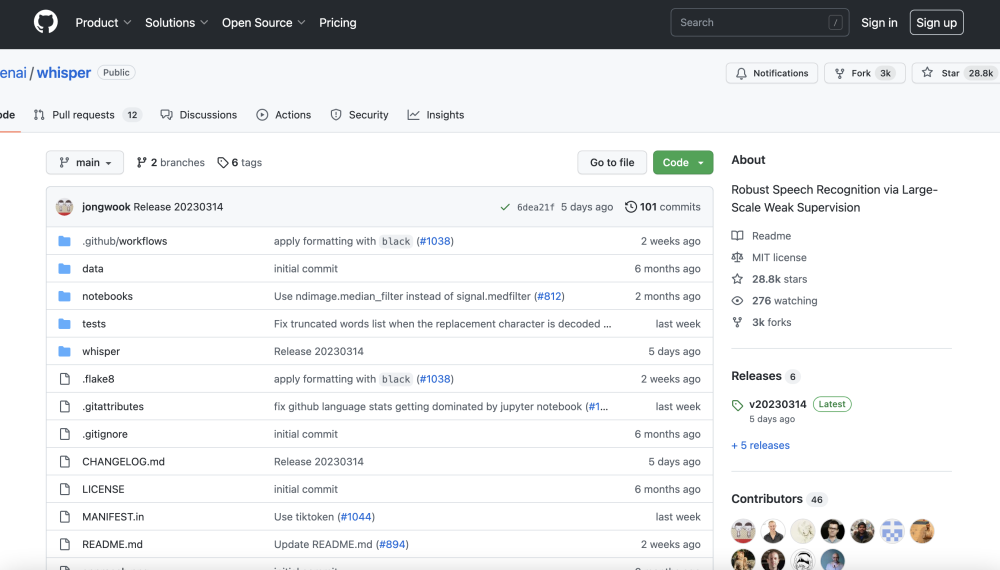
由OpenAI开发的通用语音识别模型。
Coral AI
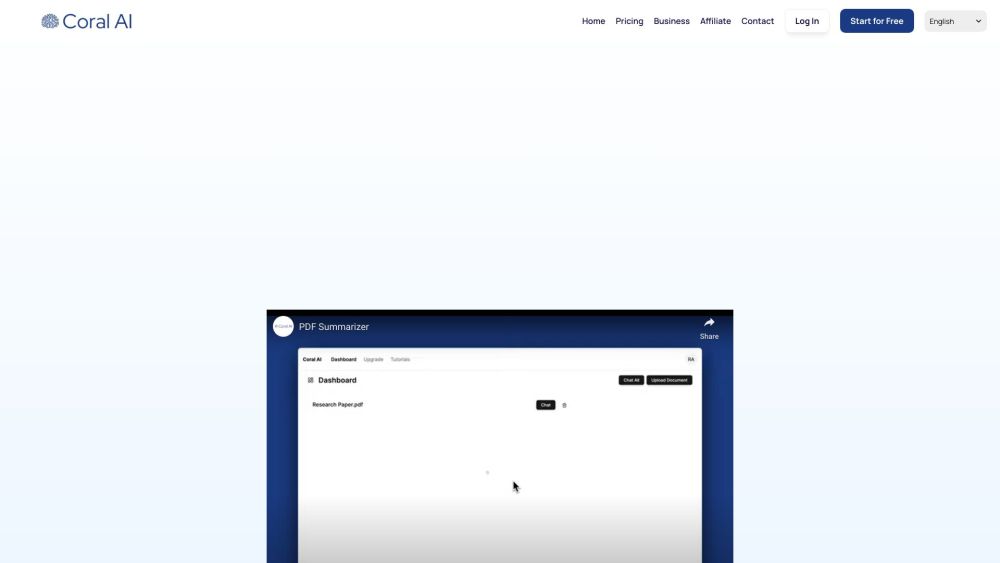
用来总结、翻译和提取 PDF 及其他文件类型信息的人工智能工具。

I18n Studio
基于GPT4的macOS工具,用于轻松的应用本地化和翻译。

Green Terp
基于浏览器的会议、活动和直播的无缝同步翻译服务。

DocuSpeed
基于AI的PDF阅读工具,提供总结、问答和翻译功能。